A local AI ecosystem.
Entirely on-premise.
One machine in your office runs the whole thing — assistant, transcription, document search and a full developer workbench — nothing ever leaves the building.
No subscriptions · Unlimited users · Newcastle · Port Stephens · Sydney · NSW
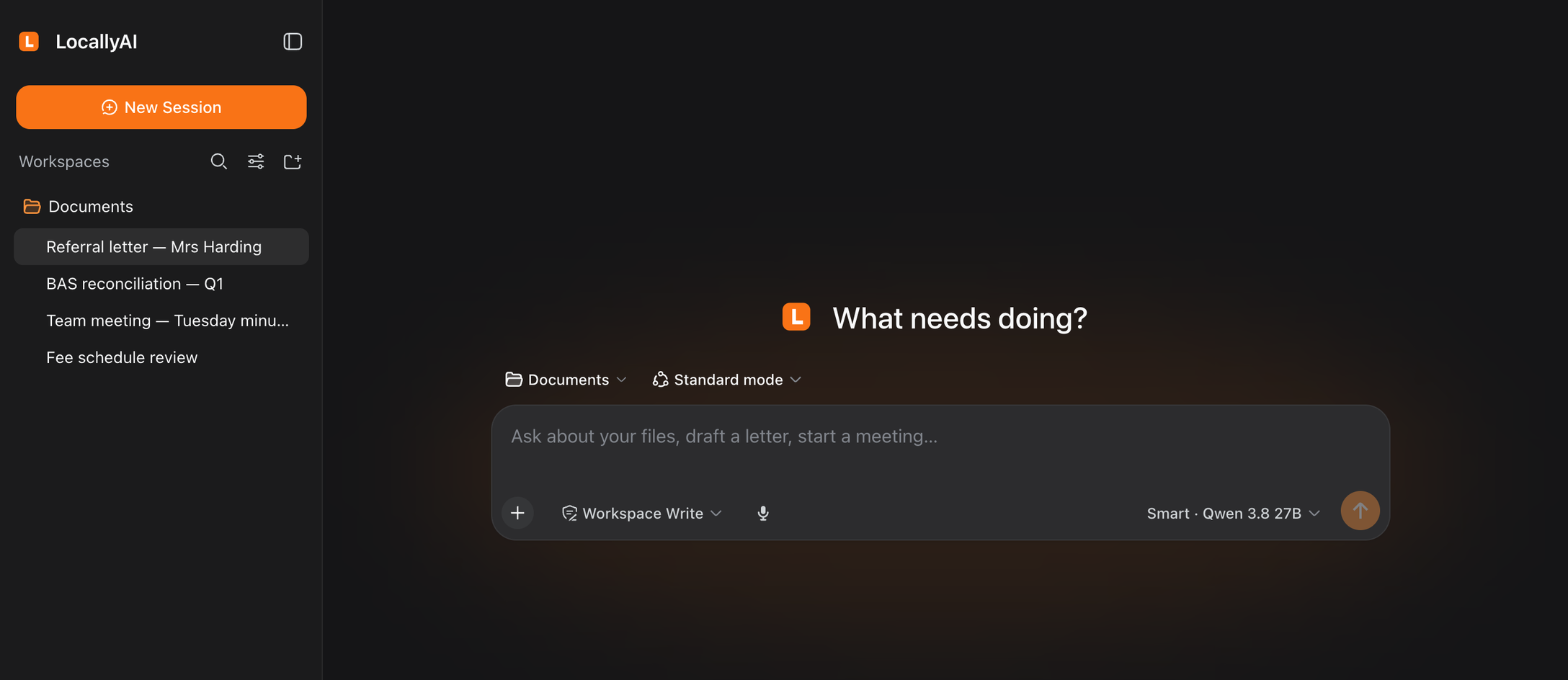
The Harness, as it ships — staff open it in a browser at locallyai.local. Nothing installed, phones included.
Every machine is installed with the LocallyAI harness.
Our business-oriented AI workbench, already set up on the system — from office tools like document OCR, document search (RAG) and meeting transcripts, to local coding tools for developers.
Everything an office actually needs
Chat grounded in your own documents with citations, meetings and dictation, deep research, projects and memory. Ask for a tool and you get one.
Everything you'd expect from Claude Code or Codex
Plan mode & Build mode, subagents (depending on system size and usage), skills and MCP connections, for your technical people. All in the browser.
Private by design
Your records never touch the internet. There is no cloud.
One flat cost
Buy the machine once. Every extra user costs $0. (A ~$300 yearly site visit & maintenance fee, and occasional custom work, are optional.)
Works offline
No internet needed. Bad connection? Doesn't matter.
Shaped to your office
Your templates, your rooms, your way of working.
One box. Two clients. Everything a file.
Every part of the system is built to work with the others — and to keep working without us.
The appliance
Runs the models, holds the files.
The Harness — for everyone
A browser tab on any office PC or phone: one chat surface, with Files, Meetings and Tools rooms beside it. Encrypted on your own network, at locallyai.local.
The LocallyAI CLI — for your technical people
The LocallyAI CLI can be installed locally on a developer PC, sending its AI work to the appliance over the LAN. Same models, same rules, nothing to the cloud.
Everything is a file
Meetings, documents and tools are plain folders on disk — can be configured to back up nightly, handed over as a copy, readable without our software.
The typing, the searching, the first drafts.
It takes the repetitive work off your desk, so your time goes back into running the business.
Consults and meetings become finished documents
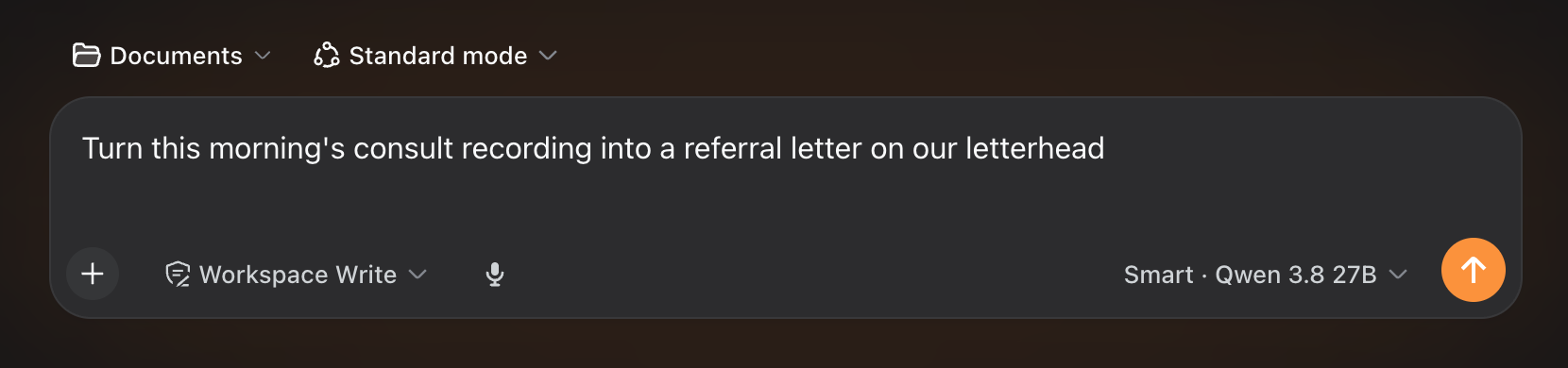
Record with consent. A draft note and letter are waiting in your template before the patient reaches reception.
Ask your own files anything
Plain-English answers, with the source document shown. Analyse spreadsheets, financial data and measurements with the built-in data analysis tools.
The inbox, sorted
A ten-line morning briefing instead of a hundred unread emails. Critical emails are flagged automatically.
Repetitive jobs just happen
Invoices arrive by email; the details land in your ledger, entered and checked. Same for timesheets and order forms.
See it by industry — medical, legal, accounting, NDIS, real estate →
Real hardware. No black boxes.
Four sizes, from a Mac mini to a Mac Studio, plus a MacBook Pro option. We'll show you exactly what's inside and exactly what it runs.
Sized to your team
From a solo practitioner to a firm of ten or more.
What's running on it
Named models, published memory budgets — the full roster is on the machines page, and it's the same roster on every tier.
The machine you buy today gets smarter next year.
Better open models come out every few months — and they run on hardware you already own.
Upgrades, not invoices
When a better model fits your machine, we let you know — and machines with internet access receive our latest recommendations automatically. Upgrading through the harness is easy.
Your machine, your choice
Prefer how the old model wrote your letters? Just roll it back, or trial another — and we're happy to help out when required.
The questions everyone asks first.
Is this like ChatGPT?
Similar to use, with one difference that matters: it runs on a machine in your office, so nothing you type leaves the building. And there's no monthly subscription per person.
Do we need good internet?
No. It works entirely offline. It's honestly at its best where the internet is worst.
What if it breaks?
You call us. Support plans include phone help and a visit if needed. And your files live on your machine either way — nothing is lost because a website went down.
Is our data used to train anything?
Not unless you ask us to. If we do fine-tune a model on your documents, strict data-retention policies are in place to prohibit redistribution, and the resulting model belongs to you.
How long does installation take?
Usually a few hours on site. We may also work with your IT support to make sure the harness is reachable by the computers on your network, and that features like speech over HTTPS are in place.
How can I be sure this fits our needs?
We work with you to make sure the machine you're recommended suits your business and its tasks. Every quote includes the labour to configure and build custom tools, skills and MCP servers (MCP2 stateless only) to your requirements — most custom tools and integrations take roughly an hour to build and test.
Book a 20-minute chat.
We'll tell you honestly whether this suits your business — and what it would cost.